Three tattoo stencil examples, up close.
Compare a tiger, a lion and a rose to see how detailed reference artwork can become a simpler black-and-white design.
Take a short tour of the app screens
These are real recordings of the app running in an iPhone simulator, using the existing debug screenshot presets and bundled artwork. The three scenes are separate samples, not a continuous session, a new AI-generation run or a timing benchmark.
15-second silent UI tour · Captions available · No generation or completed placement result is shown.
Read the scene descriptions
- 0–5 seconds: Upload Photo, a bundled rose reference and the available shading styles.
- 5–10 seconds: Describe Idea, an example text prompt and the Stipple setting.
- 10–15 seconds: Try It Out setup, with AI Body Model, Male and Back selected. This scene stops before generating a placement preview.
Tiger: let the stripes carry the shape
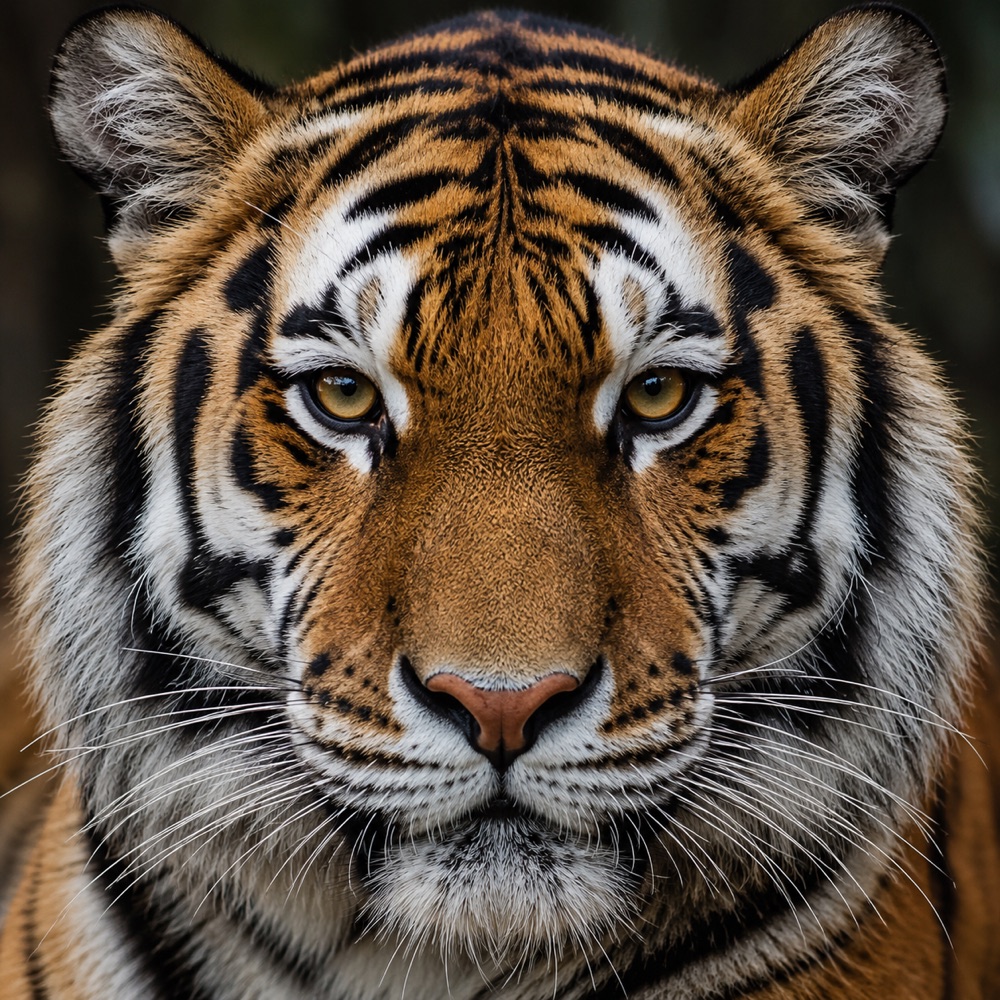
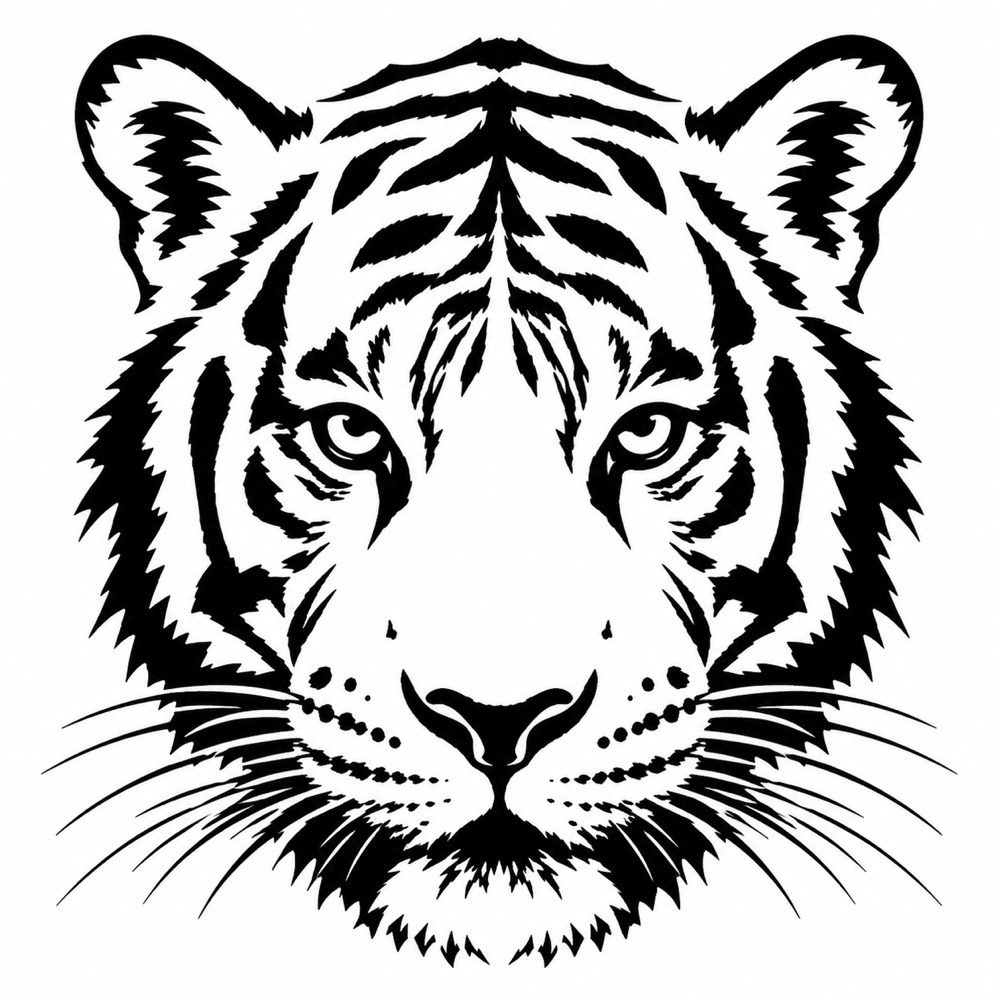
In this pair, the stripes, ears, eyes and nose carry the recognizable silhouette. Most individual hairs are removed. Check the narrow white gaps between dark stripes at your intended print size; a convincing image on a large screen can become crowded when made smaller.
Review point: compare the eye contours and symmetry with the original. Do not assume AI preserves every feature.
Lion: separate the mane from the face
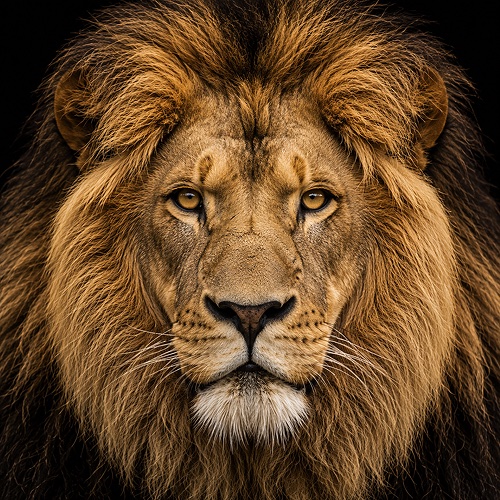

The mane becomes a series of larger pointed shapes instead of a collection of fine hairs. The eyes and muzzle are separated by lighter areas. This makes a useful composition comparison, but the filled areas are artwork—not instructions for where or how an artist should tattoo.
Review point: ask whether the face still reads clearly when you view the design at its intended size. Your artist may redraw the mane or reduce the dark areas.
Rose: keep the petal overlaps readable
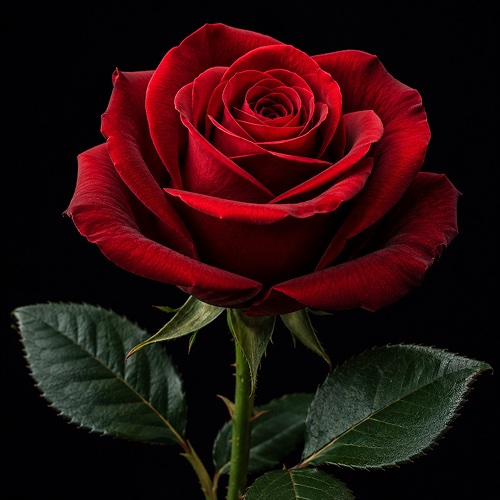
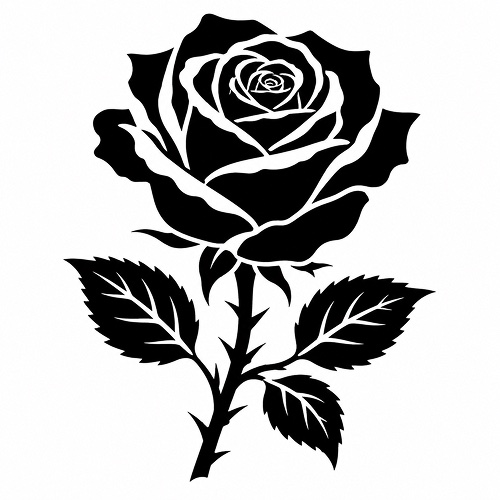
Color and soft shadows disappear, leaving larger shapes and white boundaries between petals. The stem and leaf edges provide direction. Watch the small center of the flower: it contains the tightest gaps and is the first place to inspect when reducing the design.
Review point: decide which petal boundaries matter. Preserve the overall flower shape before trying to retain every fold.
How to evaluate your own result
- Compare the source and result side by side. Check the key landmarks, lettering and repeated details.
- View or test-print the result at the intended dimensions. Do not judge it only while zoomed in.
- Try another stencil style if the result feels too dense, but do not treat these pairs as demonstrations of a particular style setting.
- Bring the reference, artwork and intended size to your artist. Digital simplification does not replace their design or transfer decisions.