Bring a reference
Upload a photo, an existing design, or describe the concept you want to explore.
Turn a photo or a written idea into a tattoo stencil concept on your iPhone. Explore line styles, preview placement on a body photo, and export PNG or PDF to review with your artist.
Download on the App Store ↗For iPhone · Free download with in-app purchases.
Sten AI is an iPhone app for creating tattoo stencil concepts from photos or written ideas. It includes body-photo placement previews and PNG/PDF export. The app is free to download with in-app purchases; stencil creation happens in the app, not this website.
PHOTO TO STENCIL · IDEA TO DESIGN · BODY PREVIEW · PNG & PDF EXPORT
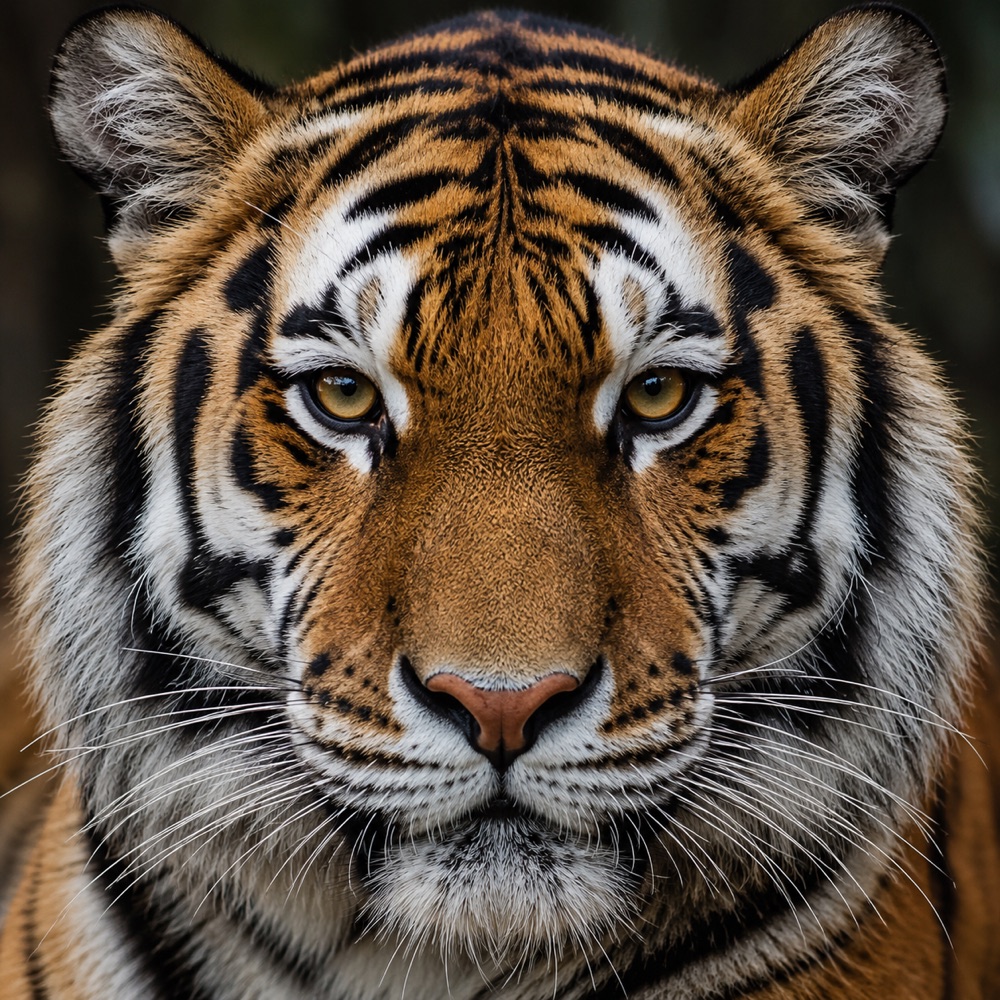
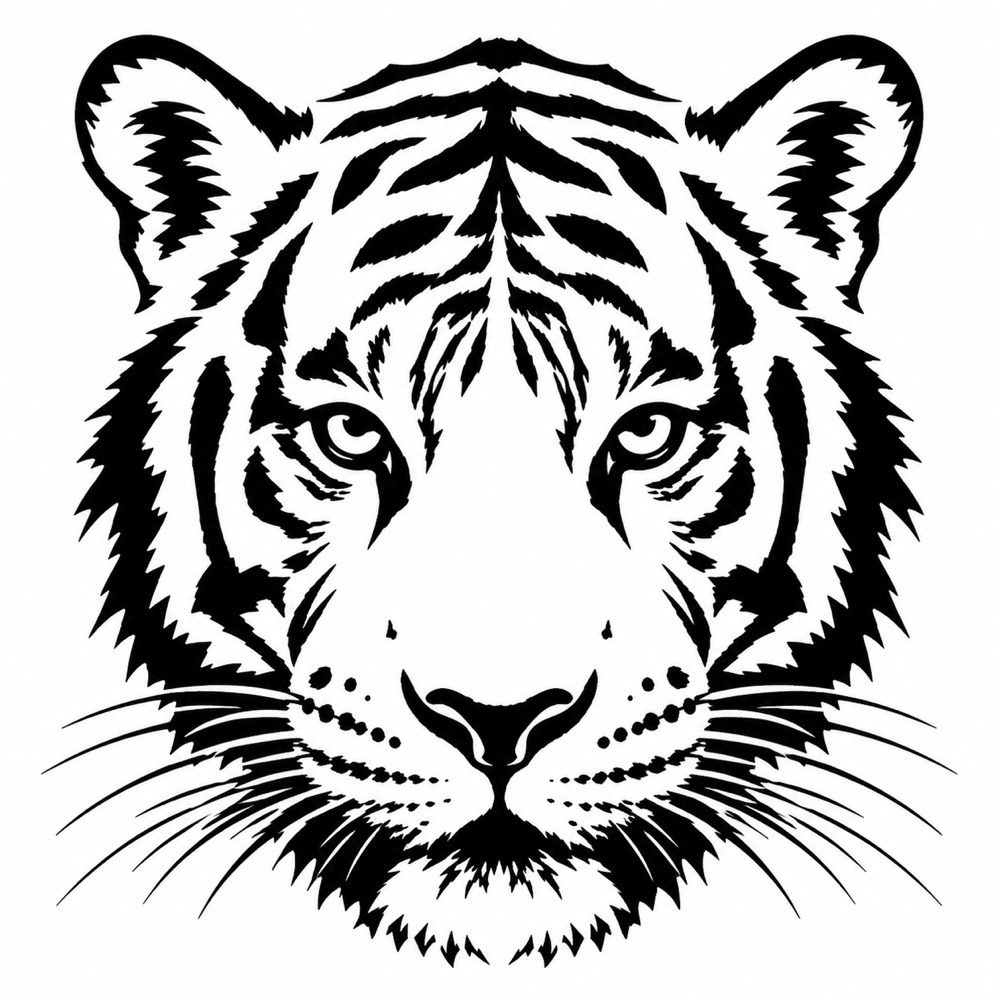
These are the real example assets bundled with Sten AI’s onboarding, not a new generation benchmark. Notice how the stripes and eyes remain recognizable while the fur texture becomes simpler. Generated results vary; review your own result with your artist.
Use Sten AI as an AI tattoo stencil generator from a photo or a short written idea. Creation happens in the iPhone app; this website explains the workflow and shows examples.
Upload a photo, an existing design, or describe the concept you want to explore.
Generate crisp outlines and choose a style: classic, stipple, crosshatch, or broken lines.
See a design on a body photo, then save your stencil as PNG or PDF for the next step.
Explore the tiger, lion and rose artwork bundled with the app, with practical notes on contours, small gaps and what to review with your artist.
Yes. Import a reference in Sten AI, choose a stencil style, generate a concept and review the result before exporting. The photo-to-stencil guide explains the controls and print checks.
Sten AI is free to download. Some features require a subscription, and usage limits may apply. Check the App Store listing and the app’s purchase screen for current prices and conditions in your region.
Stencil creation happens in the iPhone app, not in this browser. AI generation sends the selected input to cloud processing and needs an internet connection. This website provides product information, examples and support.
No. The app uses a body photo or an AI body-model setup to create a planning preview. It is not real-time AR tracking, a physical measurement or a guarantee of the final tattoo’s appearance.
Yes. The app supports PNG and PDF export, page-layout presets and a mirror option. Confirm whether your transfer workflow needs mirroring; do not assume the default settings suit every printer.
Selected image data is sent to cloud services to process the requested result; this is not an offline-only image editor. Read the published app privacy policy and contact the publisher about retention or training-use questions before uploading sensitive images. This page makes no retention or training-use guarantee.
Create a stencil concept and explore how it could look on you.
Get Sten AI on the App Store ↗